Budget
Savings Challenge Spreadsheet | 52-Week, 100 Envelope & More | Excel & Google Sheets | Penny Jar
$6.99
$11.99
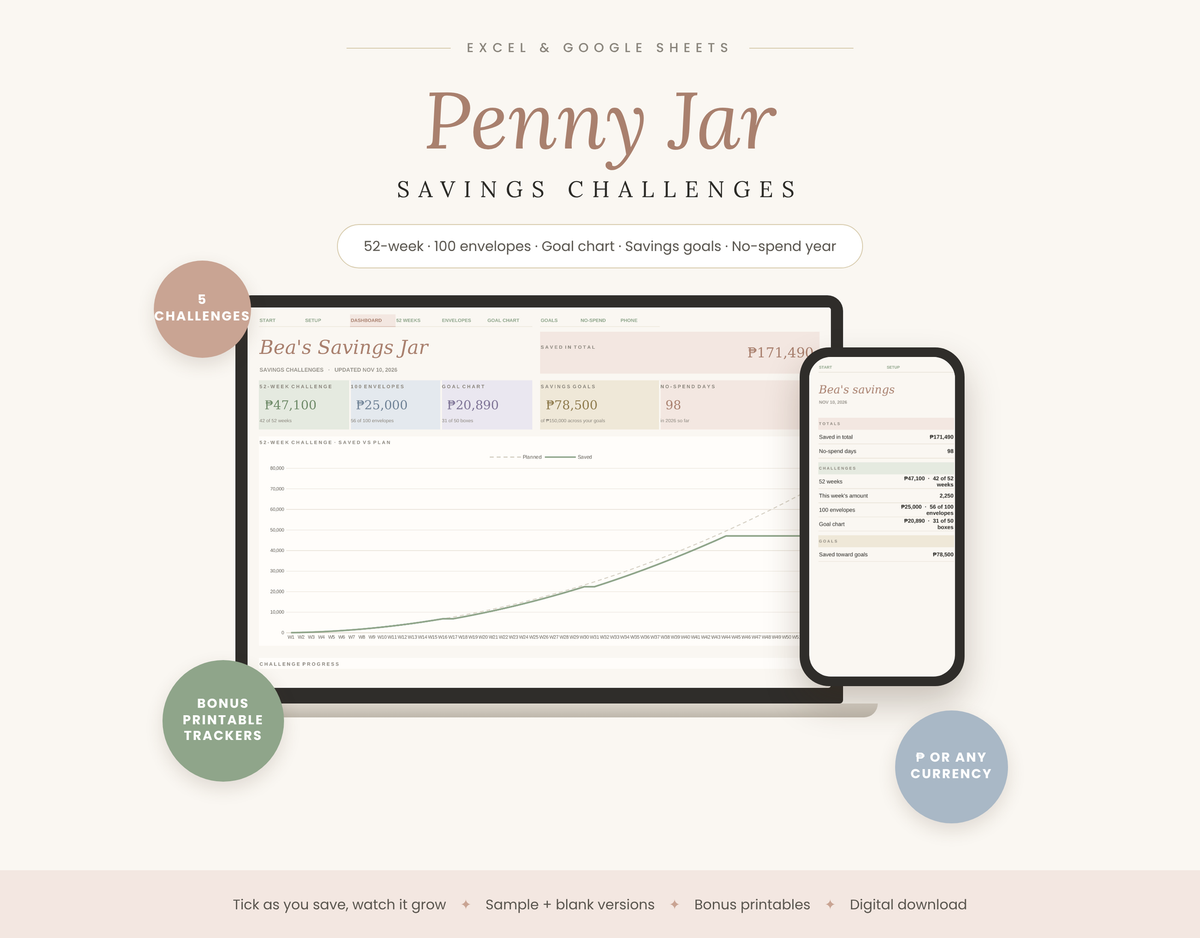
Penny Jar makes saving feel like a game. Pick a challenge, tick a box each time you save, and watch your total grow on a dashboard that updates itself. Five ways to save in one calm, blush-and-sage spreadsheet, plus printable trackers to colour in.
The 5 challenges
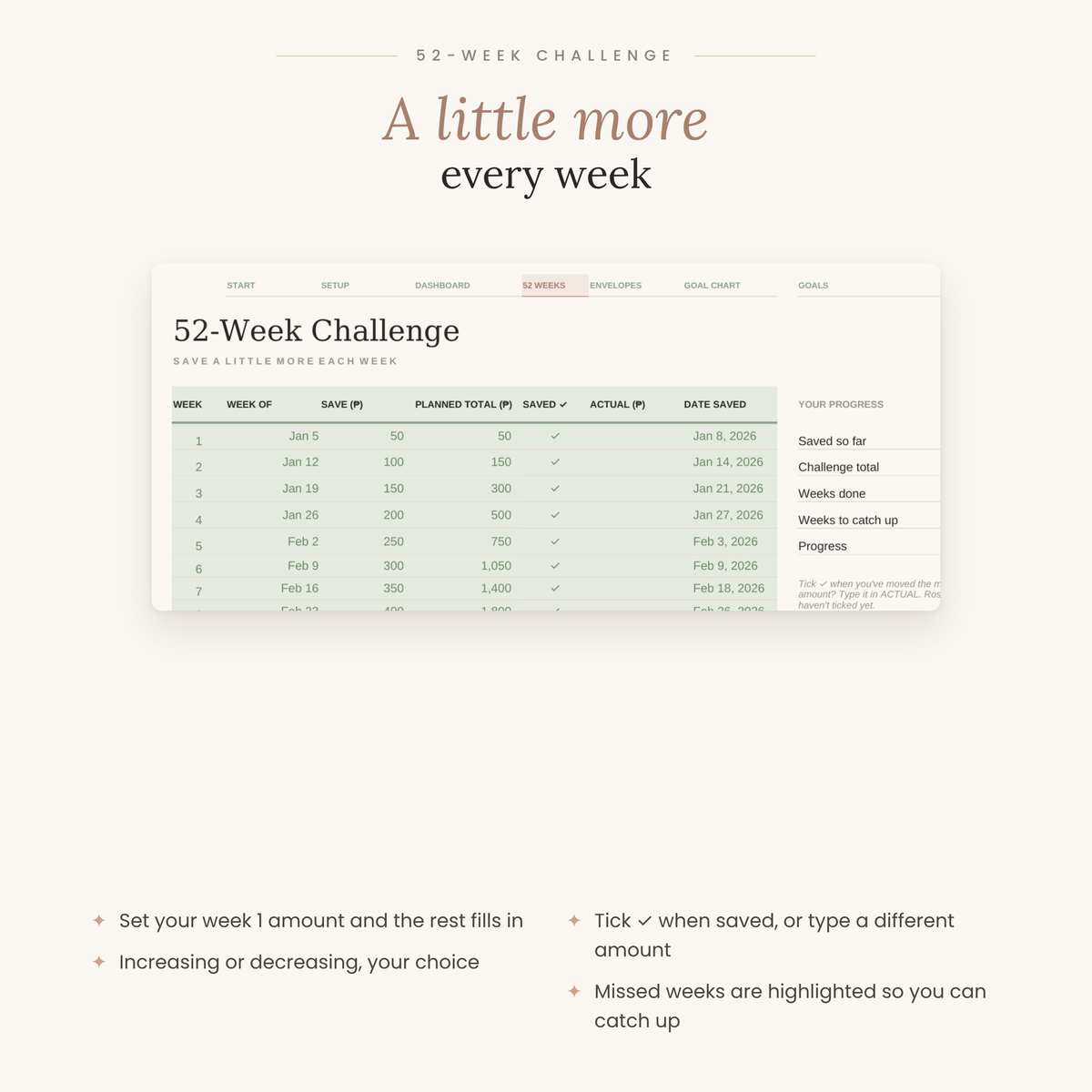
- 52-Week Challenge: set your week 1 amount (₱50 saves ₱68,900 over the year) and the rest fills in. Choose increasing or decreasing, tick ✓ when saved, and missed weeks are highlighted so you can catch up.
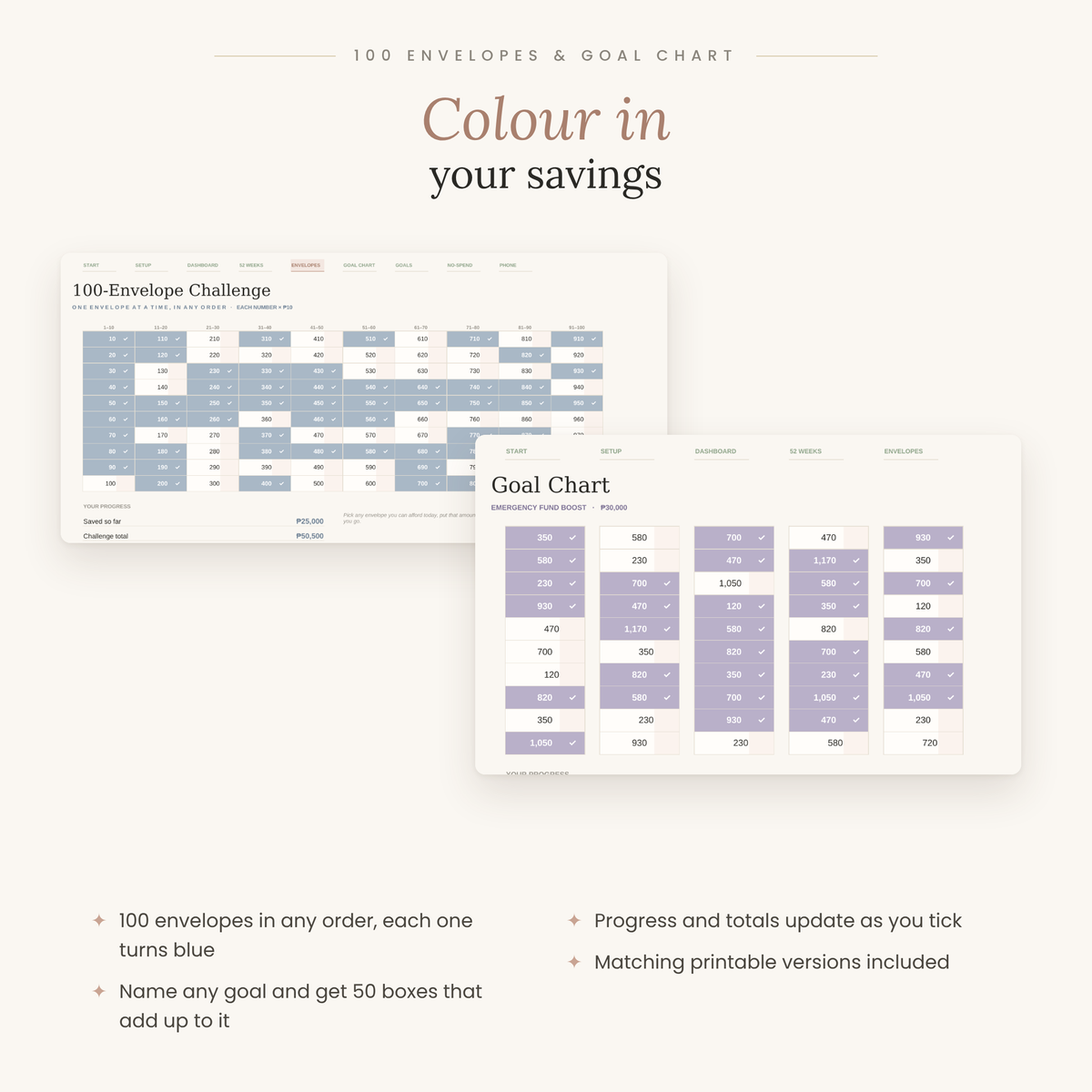
- 100-Envelope Challenge: save each envelope's number × your amount, in any order. Envelopes turn blue as you go (₱10 per number saves ₱50,500).
- Goal Chart: name any goal and target, and get 50 boxes of mixed amounts that add up to it exactly.
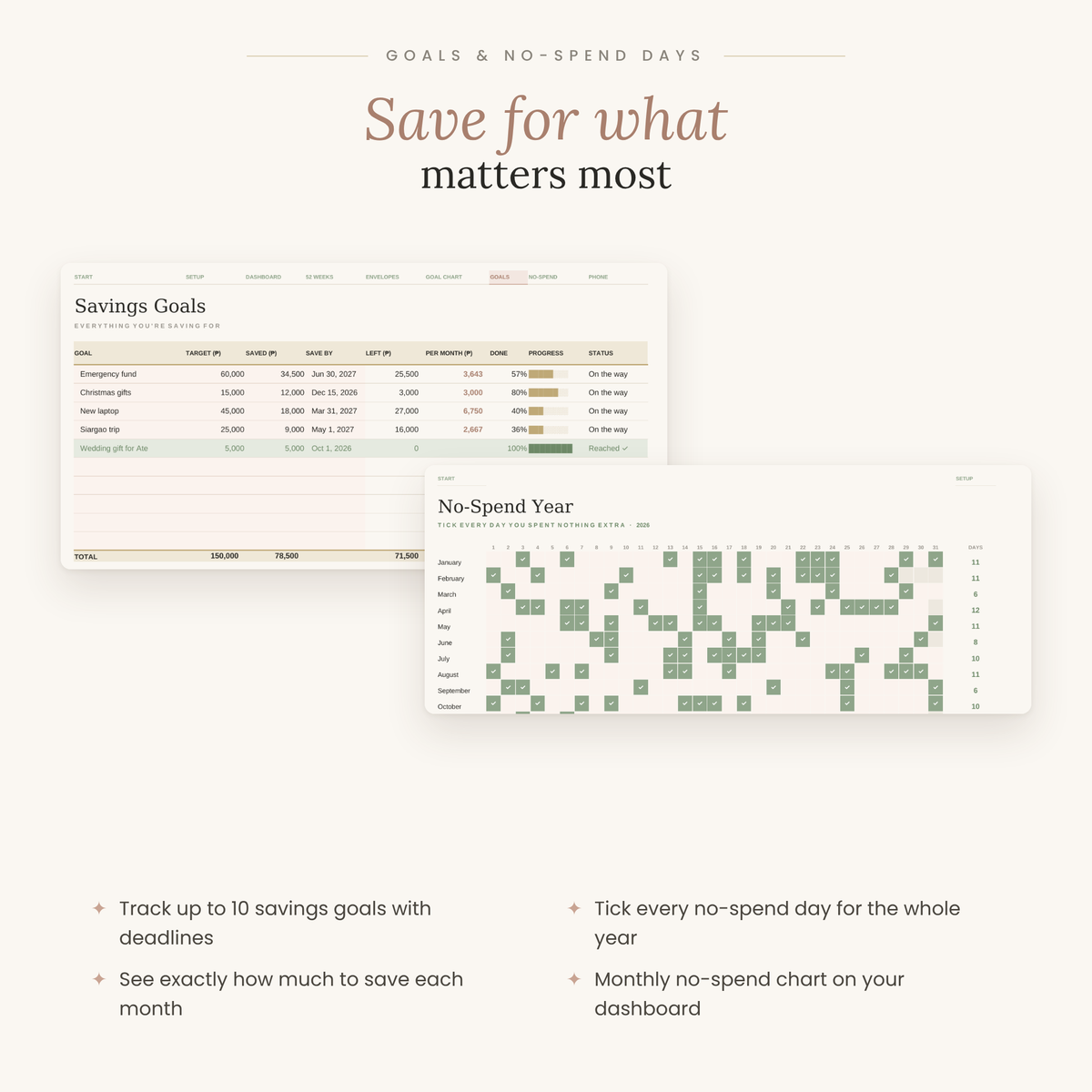
- Savings Goals: track up to 10 goals with deadlines, and see exactly how much to save each month for each one.
- No-Spend Year: tick every day you spend nothing extra, with monthly totals for the whole year.
Also included
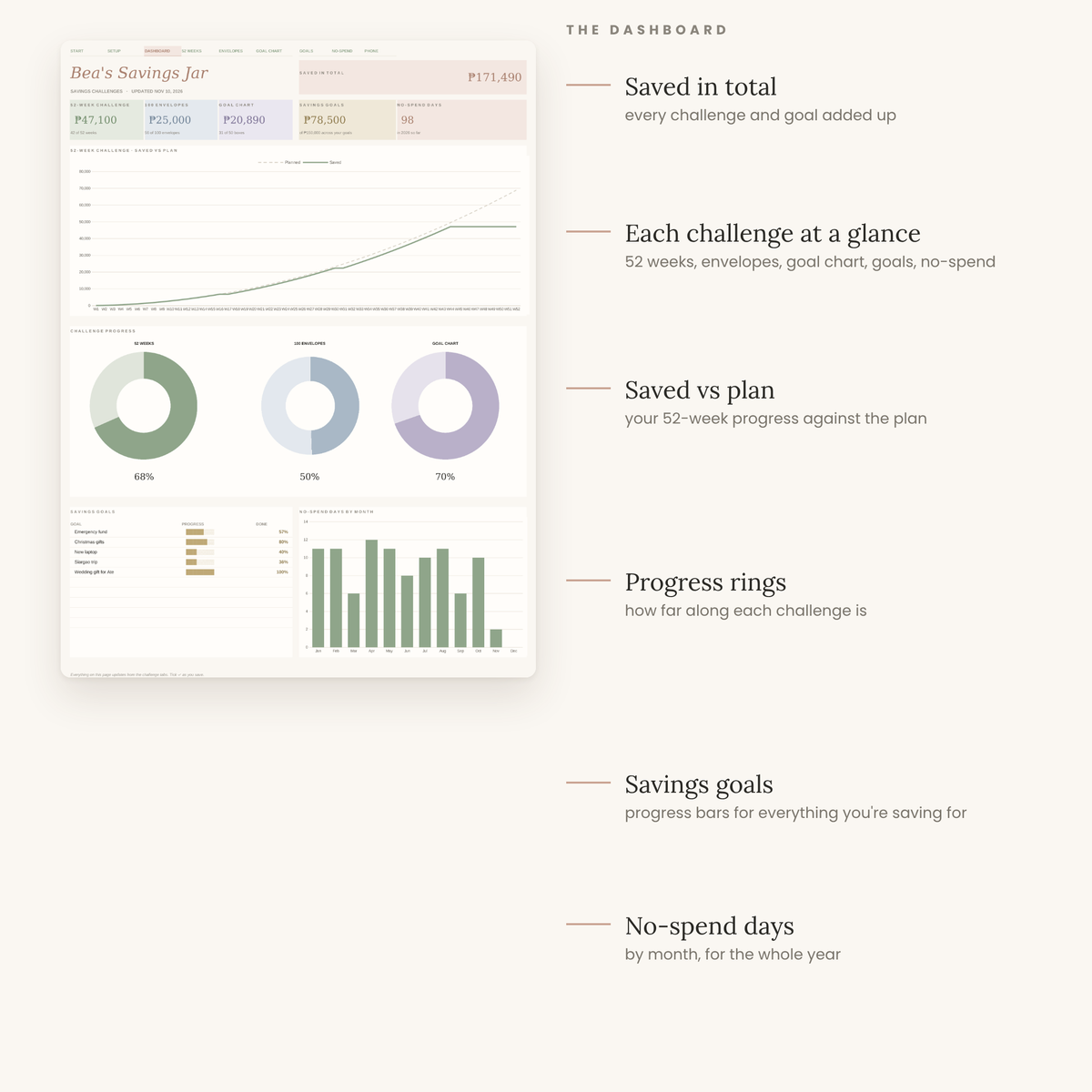
- Dashboard: total saved, each challenge at a glance, a saved-vs-plan chart, progress rings, goal progress bars and no-spend days by month.
- Phone View: this week's amount and your totals on the go.
- Bonus printable trackers (PDF): 52-week, 100-envelope and goal chart sheets to print and colour in.
- Any currency: set to ₱ by default, changeable in one cell.
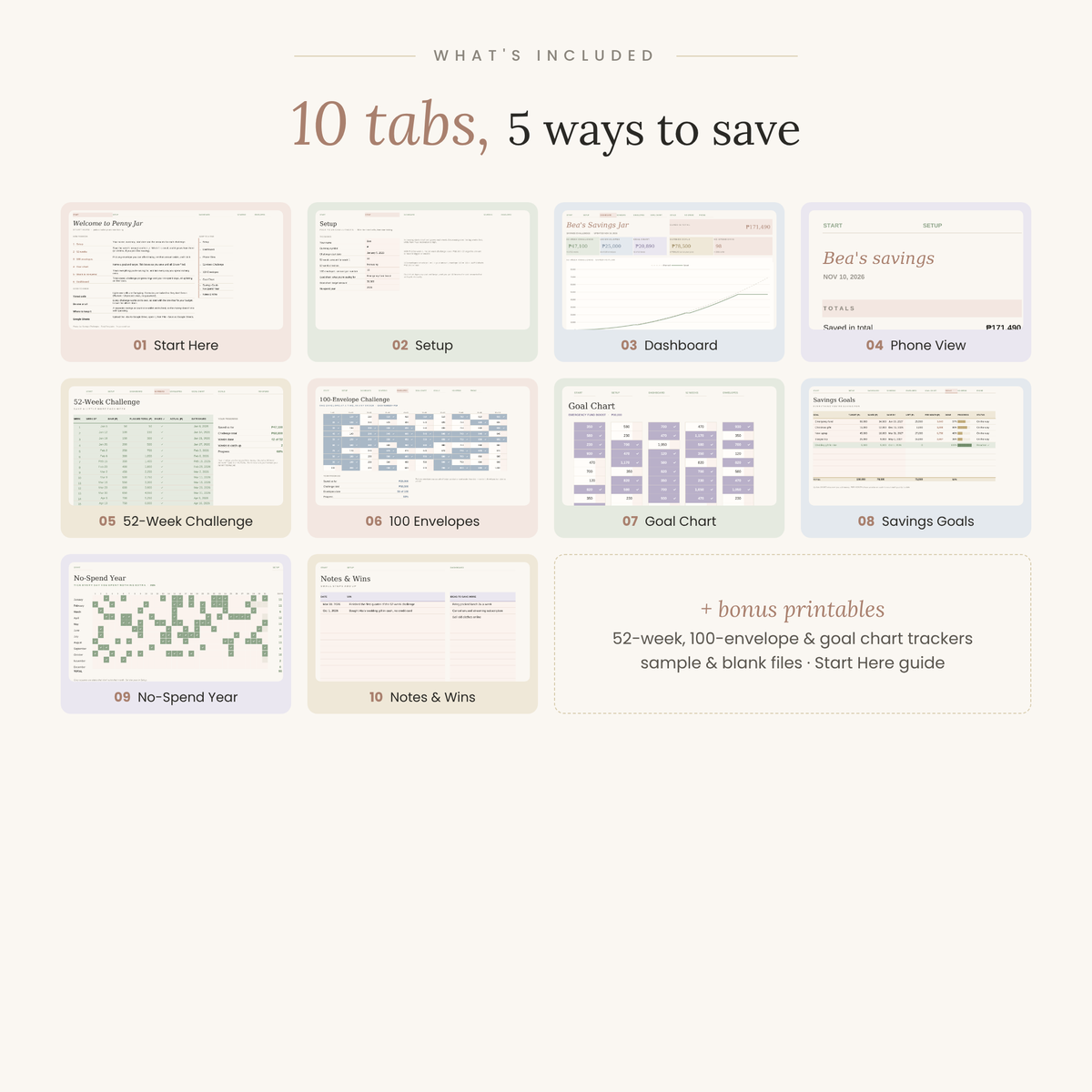
What's inside: 10 tabs
Start Here · Setup · Dashboard · Phone View · 52-Week Challenge · 100 Envelopes · Goal Chart · Savings Goals · No-Spend Year · Notes & Wins
What you get
- 2 spreadsheet files (.xlsx): one with sample data to explore, and one blank
- A 3-page printable trackers PDF
- A Start Here PDF with step-by-step setup
Works in
- Microsoft Excel: open the .xlsx file
- Google Sheets: upload to Google Drive, then File › Save as Google Sheets
Good to know
- This is a digital product. No physical item will be shipped.
- Every challenge works on its own, so start with the one that fits your budget.
- Formulas are protected (no password) so they don't break by accident; input cells are lightly tinted.
- For personal use. Please don't resell or share the files.
Instant download after checkout
What's included
- Yearly dashboard with automatic charts
- 12 monthly tabs
- Works in Google Sheets & Excel
- Step-by-step how-to guide
How delivery works
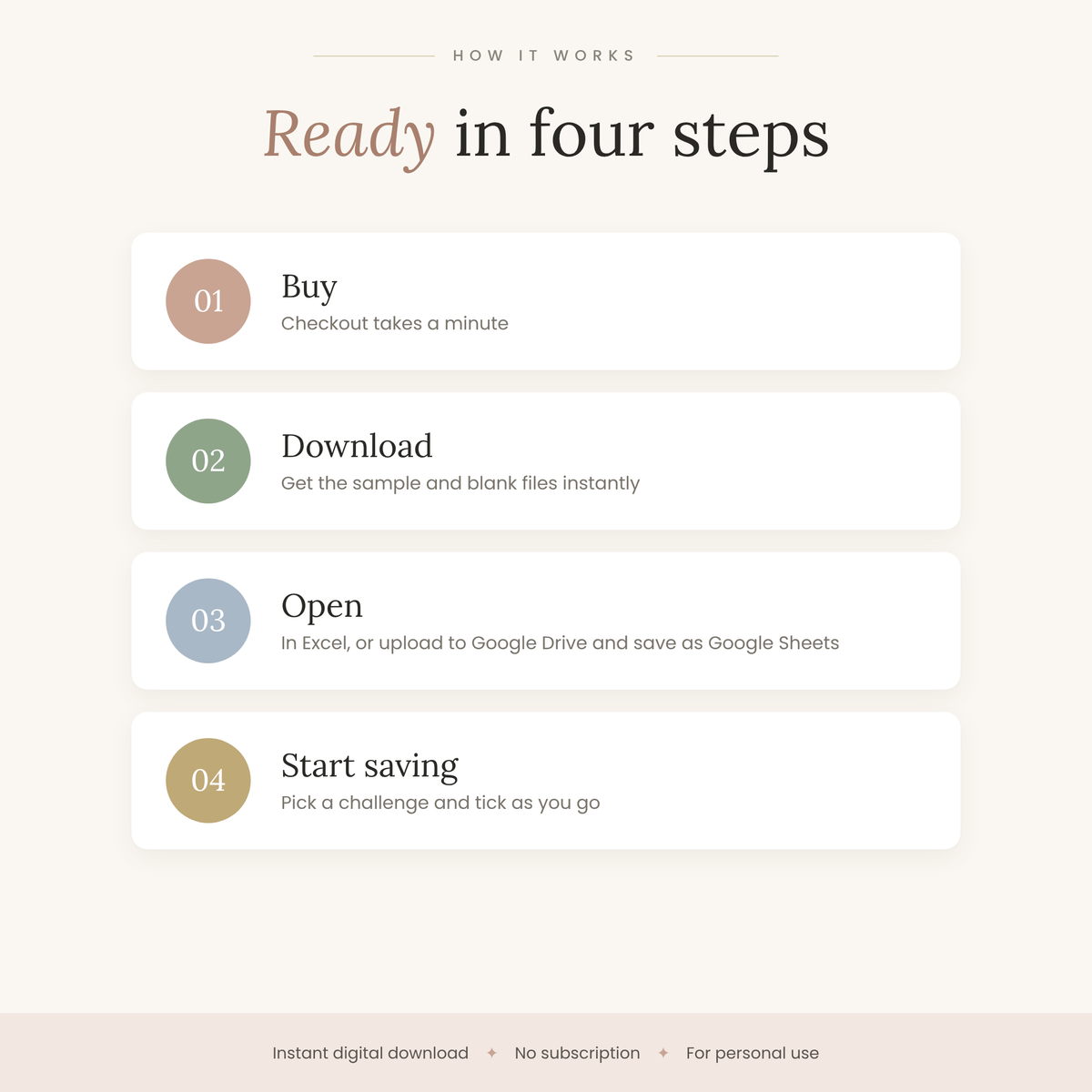
Right after checkout you'll get a download link on the order page and by email. Open it, make a copy, and start typing.
Compatibility
Works in Google Sheets (free with a Google account) and Microsoft Excel. Use it on desktop, tablet or phone.
Refund policy
Because these are instant digital downloads, all sales are final. If something isn't working, contact us and we'll help you fix it.


