
Meal Planner & Grocery Budget Spreadsheet | Excel & Google Sheets | Fresh Week
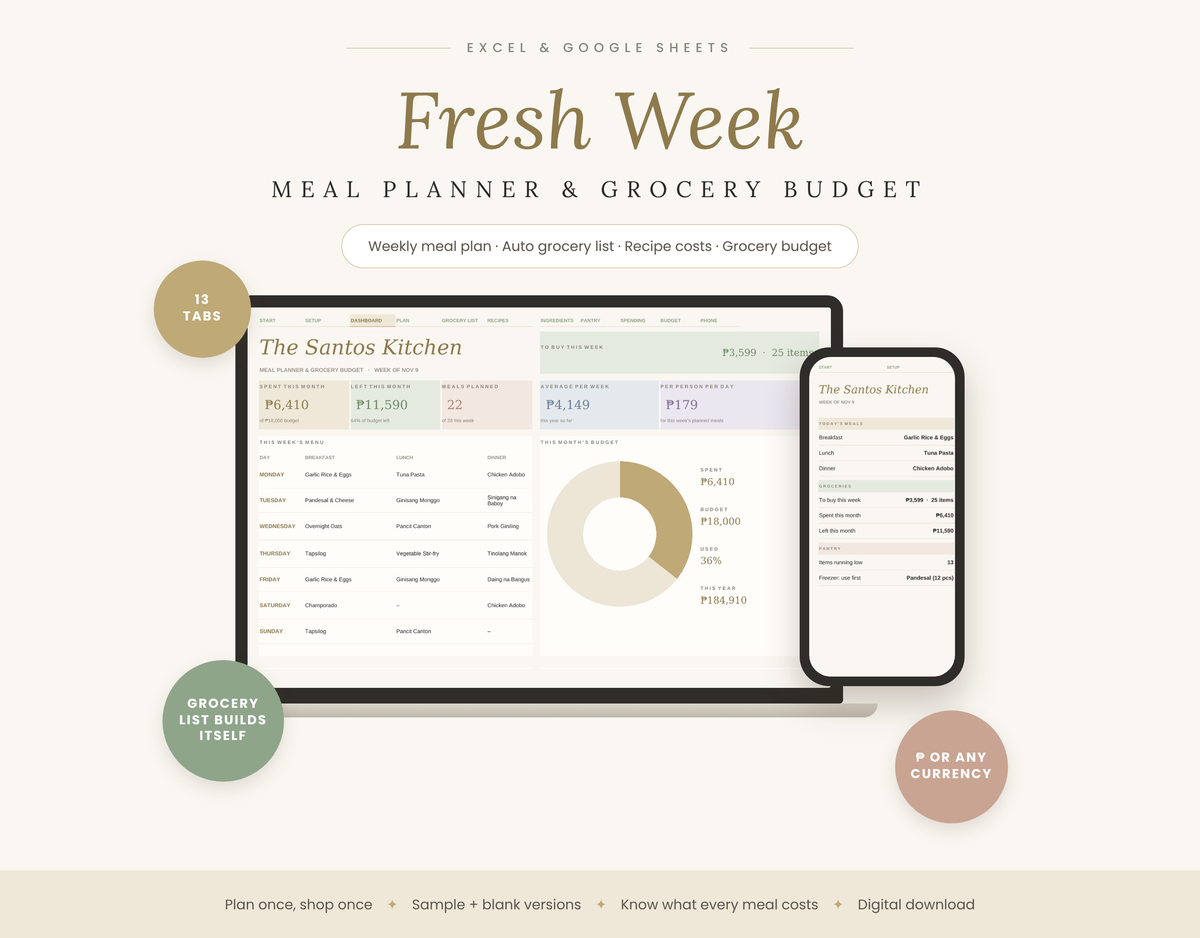
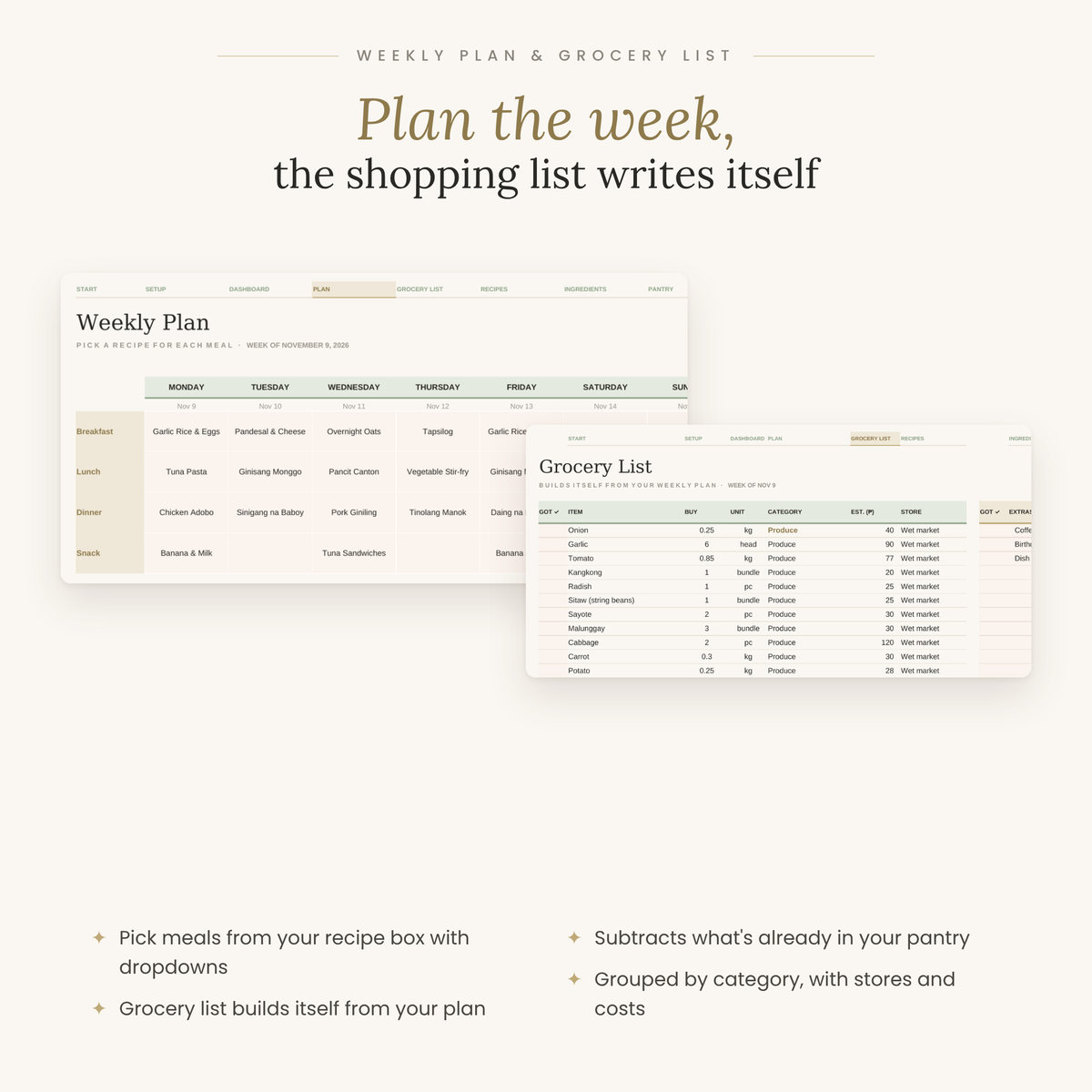
Fresh Week is a warm, simple meal planner and grocery budget in one spreadsheet. Plan your week with dropdowns, and the grocery list builds itself from your recipes, minus what's already in your pantry. Plan once, shop once, waste less.
Why you'll love it
- Weekly meal plan: breakfast, lunch, dinner and snacks for all 7 days, picked from your own recipe box with dropdowns.
- A grocery list that writes itself: it adds up every ingredient from the week's recipes, subtracts what's on hand, and sorts the list by category with the store and estimated cost.
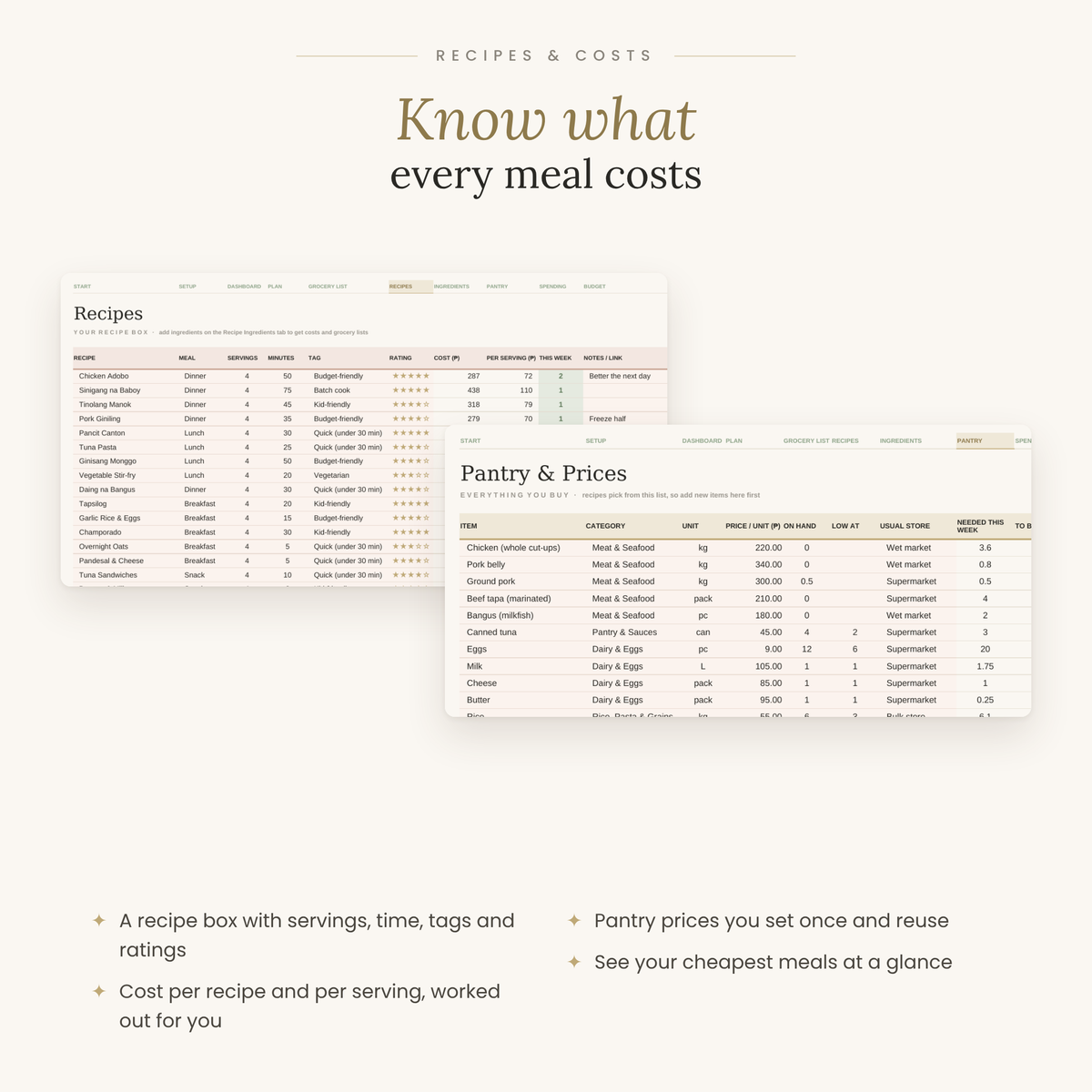
- Know what every meal costs: set your pantry prices once and see the cost of each recipe and each serving, plus your cheapest meals.
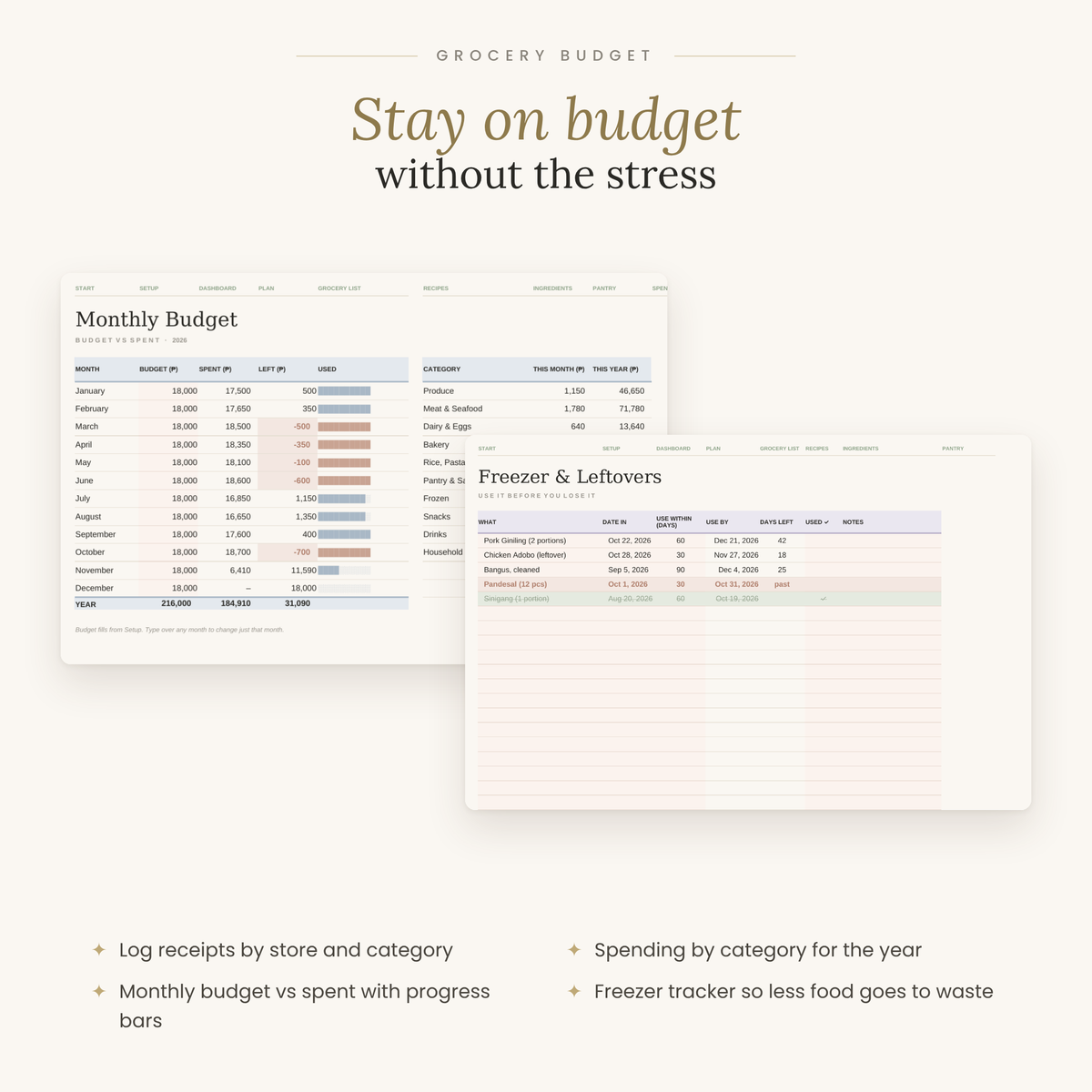
- Grocery budget: log receipts by store and category and see monthly budget vs spent, with progress bars.
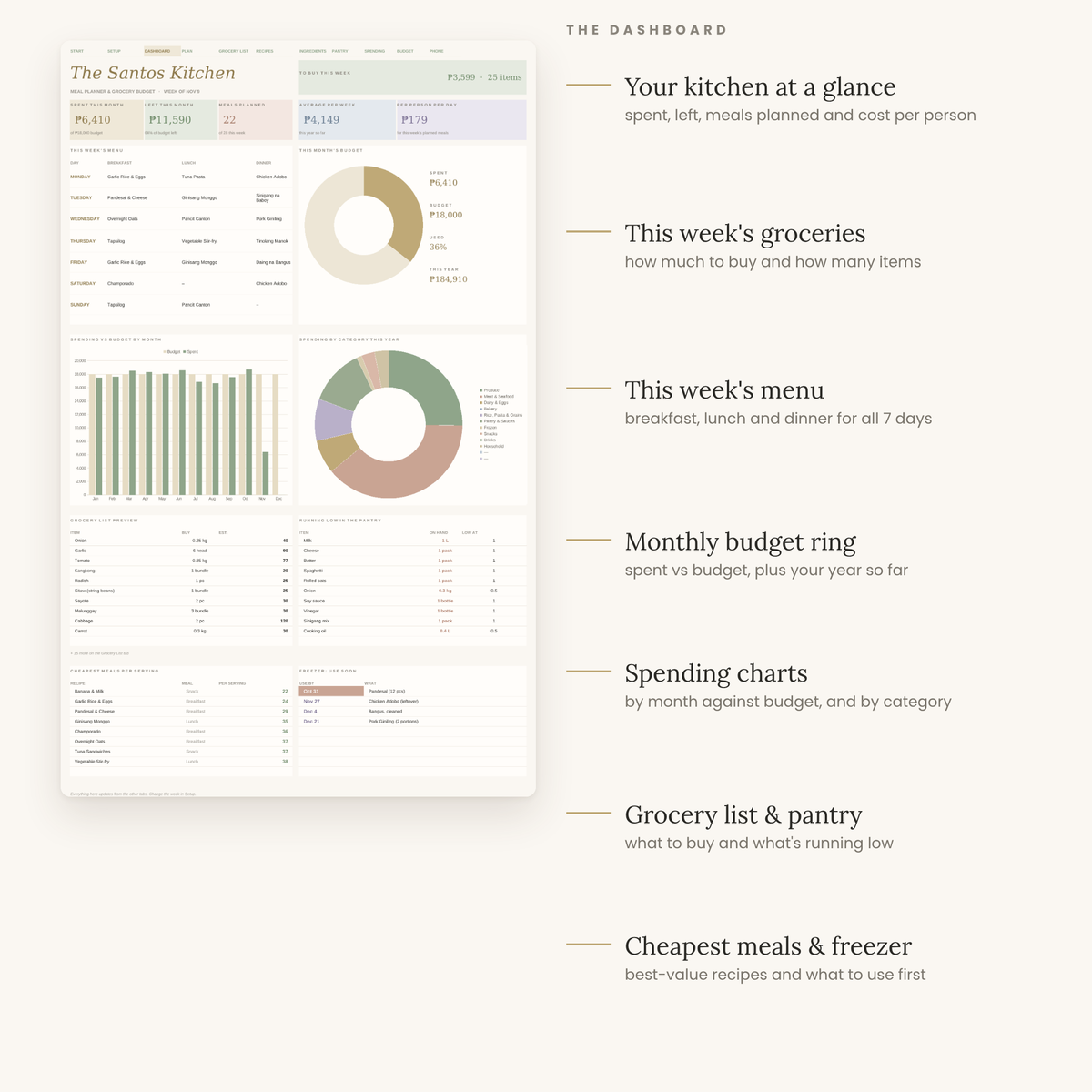
- A dashboard that updates itself: spent and left this month, meals planned, cost per person per day, this week's menu, a budget ring, monthly and category charts, what's running low in the pantry, and what to use first from the freezer.
- Freezer & leftovers tracker with use-by dates, so less food goes to waste.
- Phone View shows today's meals and what to buy while you're at the store.
- Any currency: set to ₱ by default, changeable in one cell.
What's inside: 13 tabs
Start Here · Setup · Dashboard · Phone View · Weekly Plan · Grocery List · Recipes · Recipe Ingredients · Pantry & Prices · Grocery Spending · Monthly Budget · Freezer & Leftovers · Notes
What you get
- 2 spreadsheet files (.xlsx): one with a sample week, 16 recipes and a stocked pantry to explore, and one blank for your kitchen
- A Start Here PDF with step-by-step setup
Works in
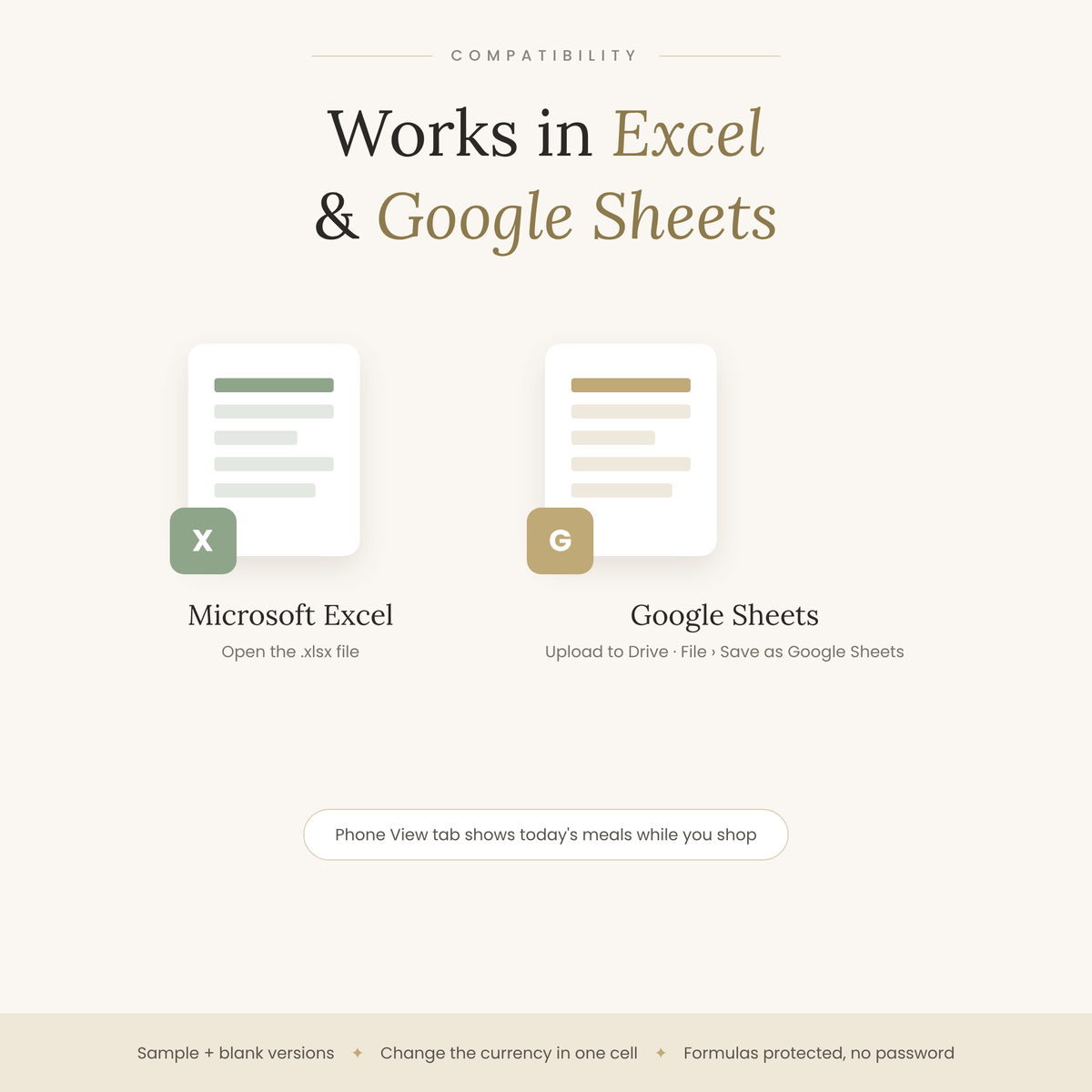
- Microsoft Excel: open the .xlsx file
- Google Sheets: upload to Google Drive, then File › Save as Google Sheets
Good to know
- This is a digital product. No physical item will be shipped.
- Formulas are protected (no password) so they don't break by accident; input cells are lightly tinted.
- For personal use. Please don't resell or share the files.
- Yearly dashboard with automatic charts
- 12 monthly tabs
- Works in Google Sheets & Excel
- Step-by-step how-to guide
How delivery works
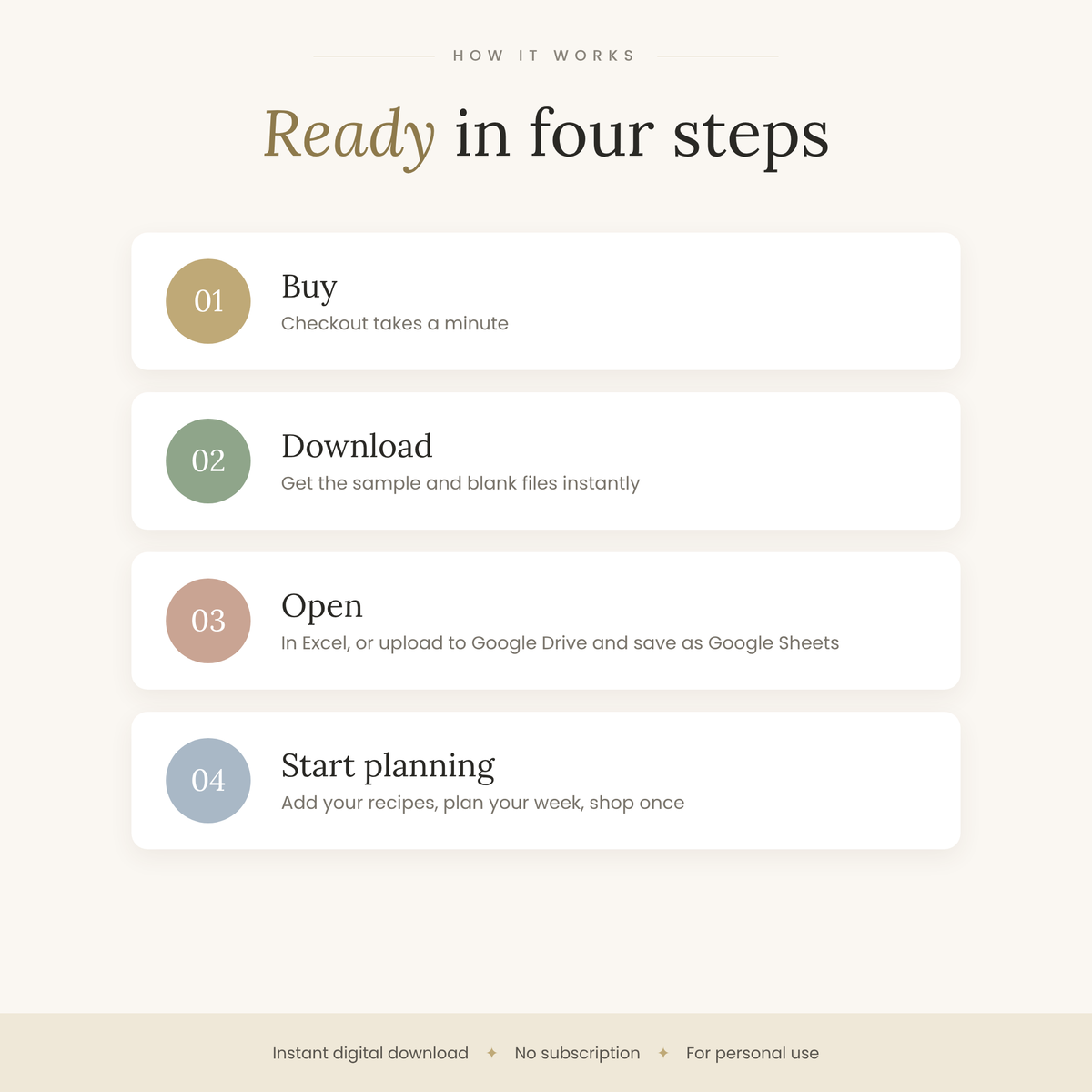
Right after checkout you'll get a download link on the order page and by email. Open it, make a copy, and start typing.
Compatibility
Works in Google Sheets (free with a Google account) and Microsoft Excel. Use it on desktop, tablet or phone.
Refund policy
Because these are instant digital downloads, all sales are final. If something isn't working, contact us and we'll help you fix it.


