



Budget
Annual Budget Planner Spreadsheet | Excel & Google Sheets | Steady Year
$10.99
$16.99
Steady Year is a calm, colour-coded budget planner for your whole year. Enter your recurring bills and subscriptions once — they fill in every month they're due, all year long.
Why you'll like it
- Enter bills once: monthly, quarterly, twice-a-year and yearly bills appear on the right months automatically.
- A dashboard that updates itself: money in, money out, what's free to spend, what you've put aside and your top saving month — plus charts for money in vs money out, planned vs actual, how your savings grow and your bills by category.
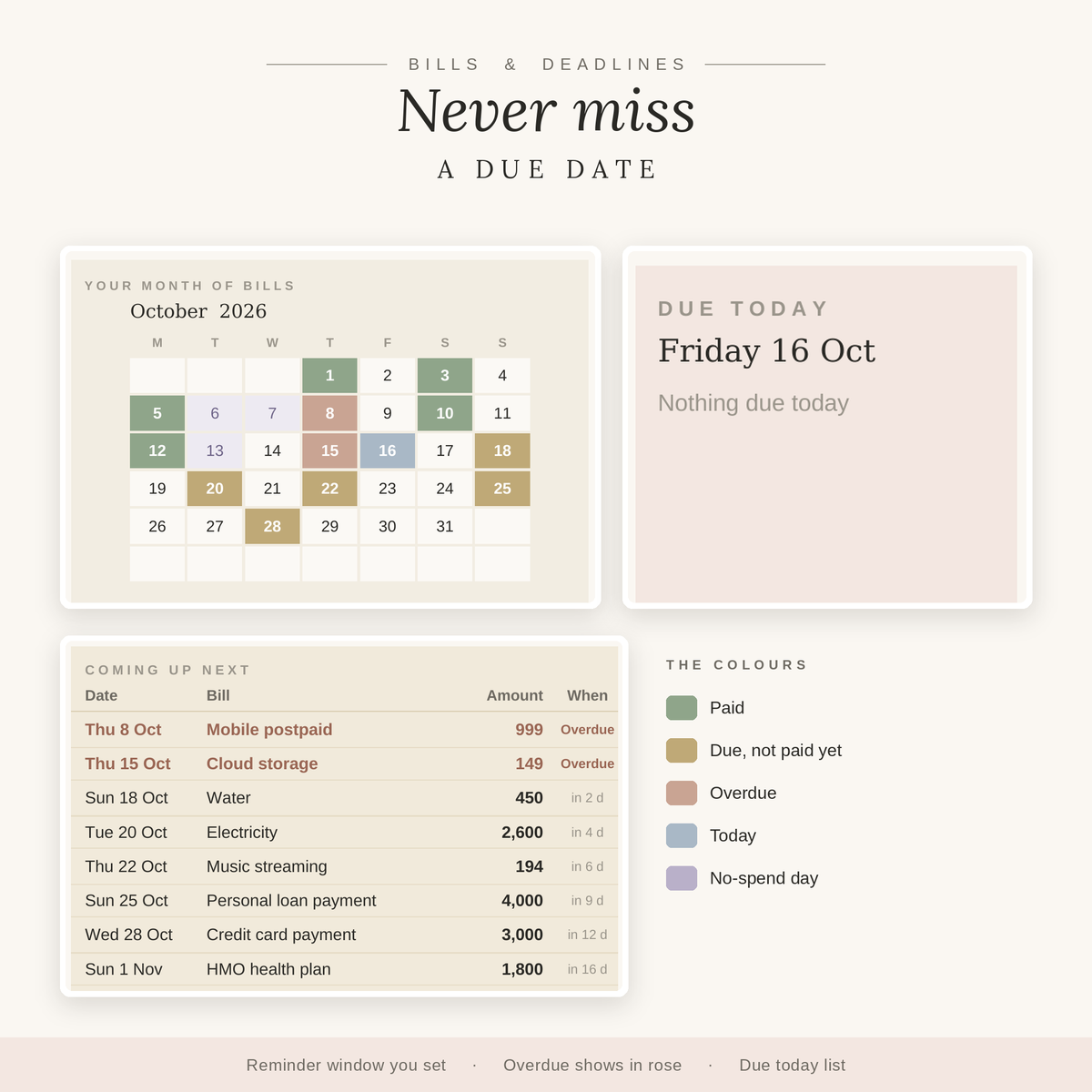
- Colour-coded bill calendar: pick a month to see what's paid, due, overdue and today, with "due today" and "coming up next" lists.
- Needs vs wants: compare your spending to targets you set (50 / 30 / 20 by default).
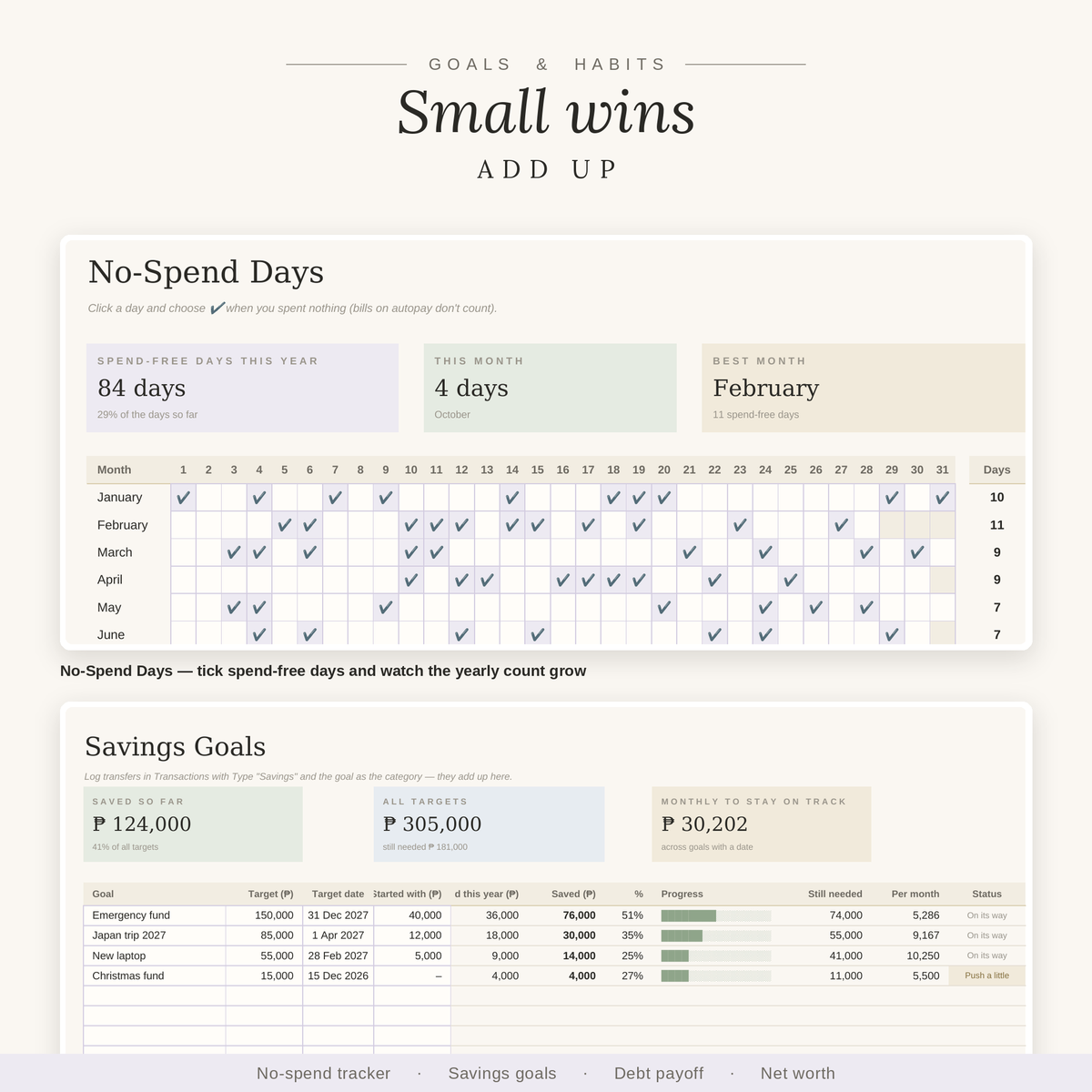
- Trackers: debt payoff and savings goals with progress bars, a subscription tracker, net worth, and a No-Spend Days tracker with a yearly count.
- Paycheck plan: see what each half of the month needs to cover.
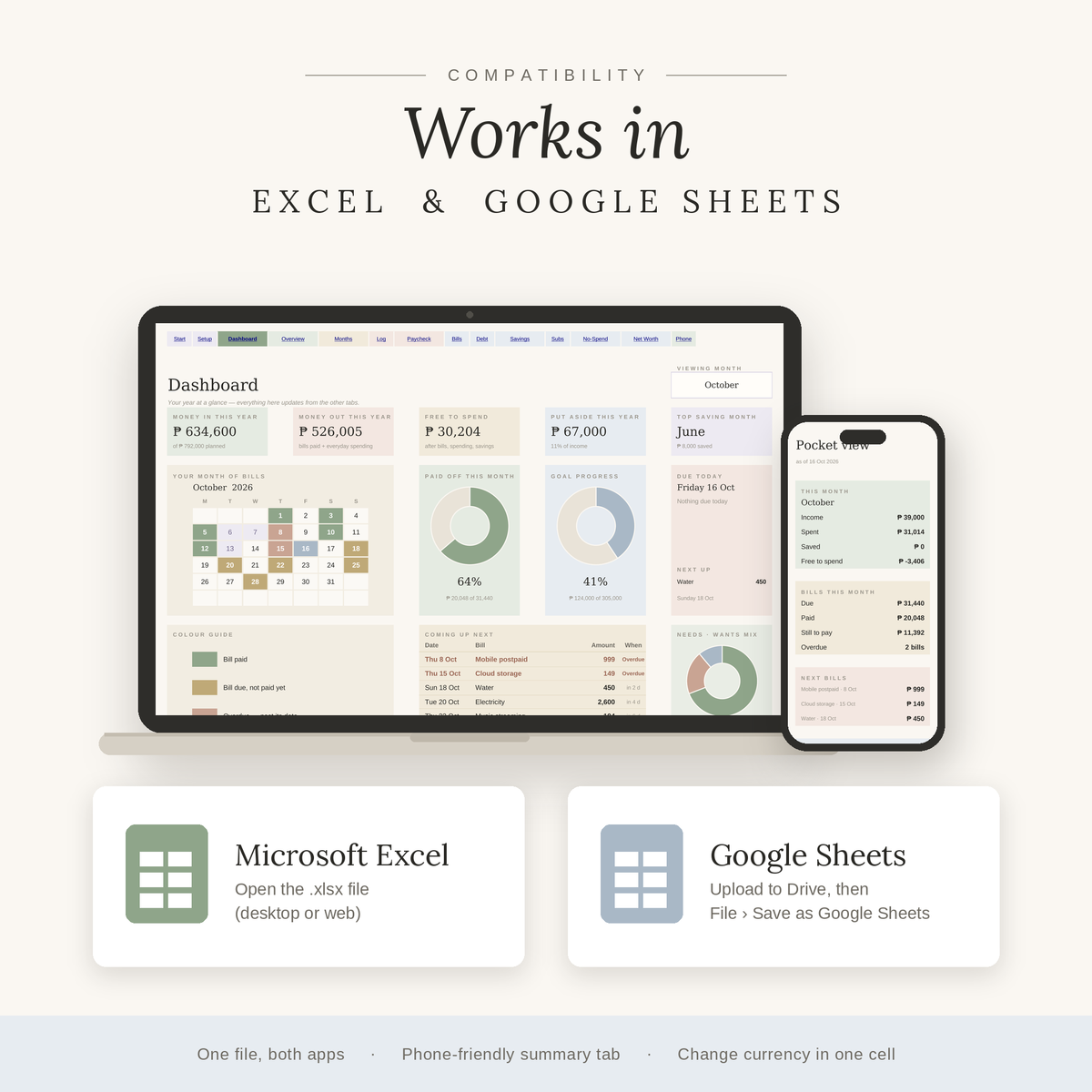
- Phone View: a narrow tab with your key numbers for quick checks on your phone.
- Any currency: set to ₱ by default, changeable in one cell.
What's inside — 25 tabs
Start Here · Setup · Dashboard · Annual Overview · 12 monthly tabs (Jan–Dec) · Transactions · Paycheck Plan · Bill Calendar · Debt Payoff · Savings Goals · Subscriptions · No-Spend Days · Net Worth · Phone View
What you get
- A Google Sheets copy link (inside the Start Here PDF)
- 2 Excel files (.xlsx): one filled with sample data to explore, and one blank for your own year
- A Start Here tab with step-by-step instructions
Works in
- Google Sheets — click the link in the PDF and make your own copy
- Microsoft Excel — open the .xlsx file
Good to know
- This is a digital product. No physical item will be shipped.
- Formulas are protected (no password) so they don't break by accident; input cells are lightly tinted.
- For personal use. Please don't resell or share the files.
Instant download after checkout
What's included
- Yearly dashboard with automatic charts
- 12 monthly tabs
- Works in Google Sheets & Excel
- Step-by-step how-to guide
How delivery works
Right after checkout you'll get a download link on the order page and by email. Open it, make a copy, and start typing.
Compatibility
Works in Google Sheets (free with a Google account) and Microsoft Excel. Use it on desktop, tablet or phone.
Refund policy
Because these are instant digital downloads, all sales are final. If something isn't working, contact us and we'll help you fix it.


